



What Is Arbitrum? Bridging and 7-Day Withdrawals
Arbitrum is an Ethereum scaling platform, and Arbitrum One is its main Rollup network. This guide covers chain IDs, bridge directions, withdrawal timing, and beginner mistakes.

Arbitrum is an Ethereum scaling platform. The network most users encounter is Arbitrum One, a Rollup chain that executes transactions outside Ethereum mainnet while connecting its data and security process back to Ethereum.
Short verdict: Arbitrum One is useful when an app or market you need is deployed there. Lower transaction fees do not make every token, bridge, or contract on the network safe. Network identity, token version, and the exit path matter more than chasing the cheapest transaction.
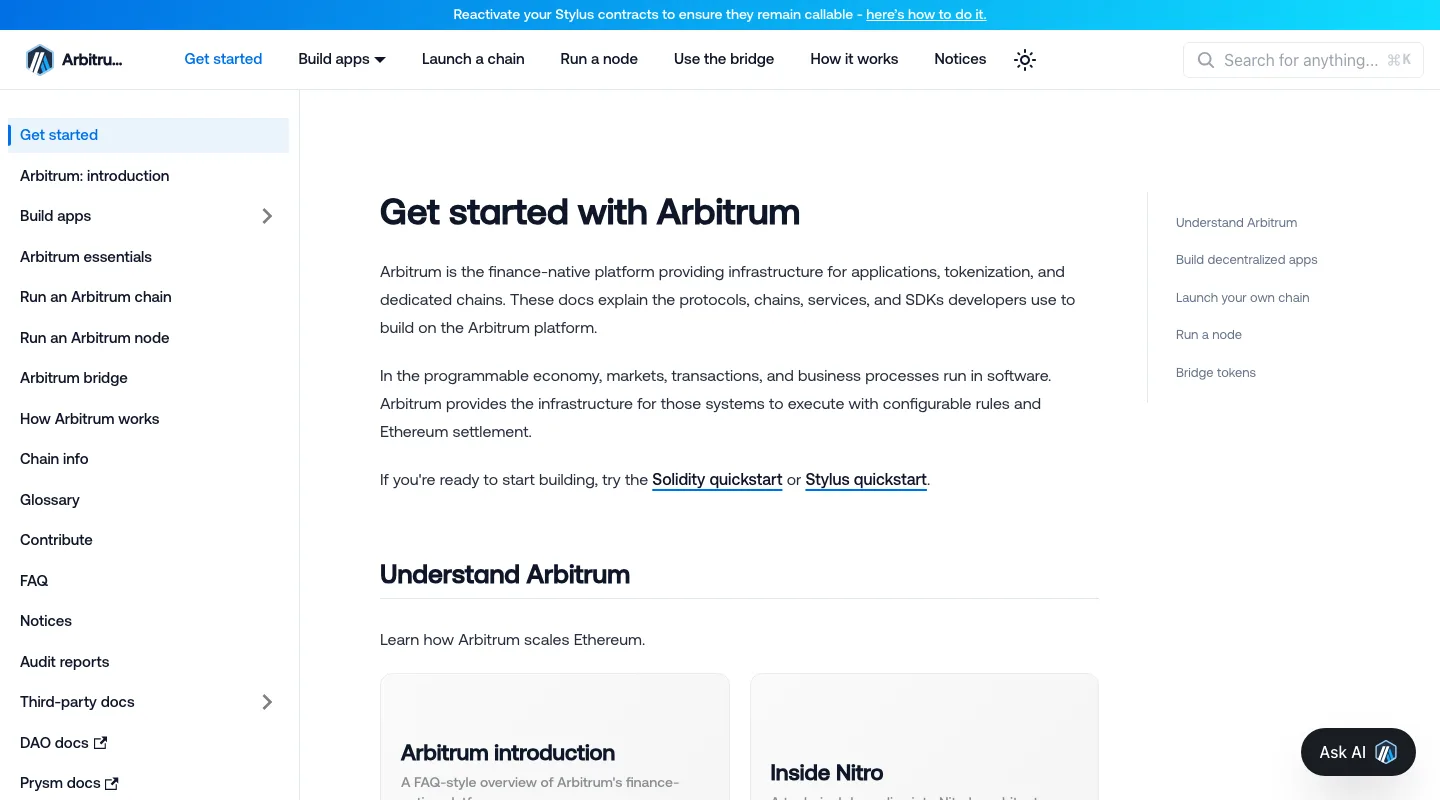
Arbitrum’s official documentation homepage. Checked on 18 July 2026.
Arbitrum One and Nova are separate networks
Arbitrum’s official chain information listed:
- Arbitrum One: Chain ID 42161, using Nitro with a Rollup model.
- Arbitrum Nova: Chain ID 42170, using Nitro with an AnyTrust model.
- Both use ETH for network fees, but they do not have identical security assumptions, applications, or token addresses.
Seeing “Arbitrum” in a wallet menu is not enough. Confirm the full network name and Chain ID. Sending an asset to the wrong network may make it disappear from the current wallet view and require a separate recovery process.
What happens when you bridge from Ethereum
The official bridge asks for a source network, destination network, token, and amount. Moving from Ethereum to Arbitrum One is a deposit into the child chain. Moving from Arbitrum One back to Ethereum is a withdrawal.
Arbitrum’s bridge quickstart estimated roughly 15–30 minutes for a deposit, depending on congestion. A withdrawal from Arbitrum One or Nova to Ethereum through the official bridge requires a challenge period of at least about seven days.
Third-party liquidity bridges may offer a faster route. They use different contracts, liquidity providers, fee structures, and trust assumptions. A link appearing in an ecosystem directory is not a guarantee against contract or liquidity risk.
Why the network status page is useful
When a bridge or transaction appears stuck, repeatedly submitting new transactions can make the situation harder to diagnose. Start with the transaction hash, then check the official status page and a block explorer to distinguish a network incident from a frontend issue or a failed transaction.
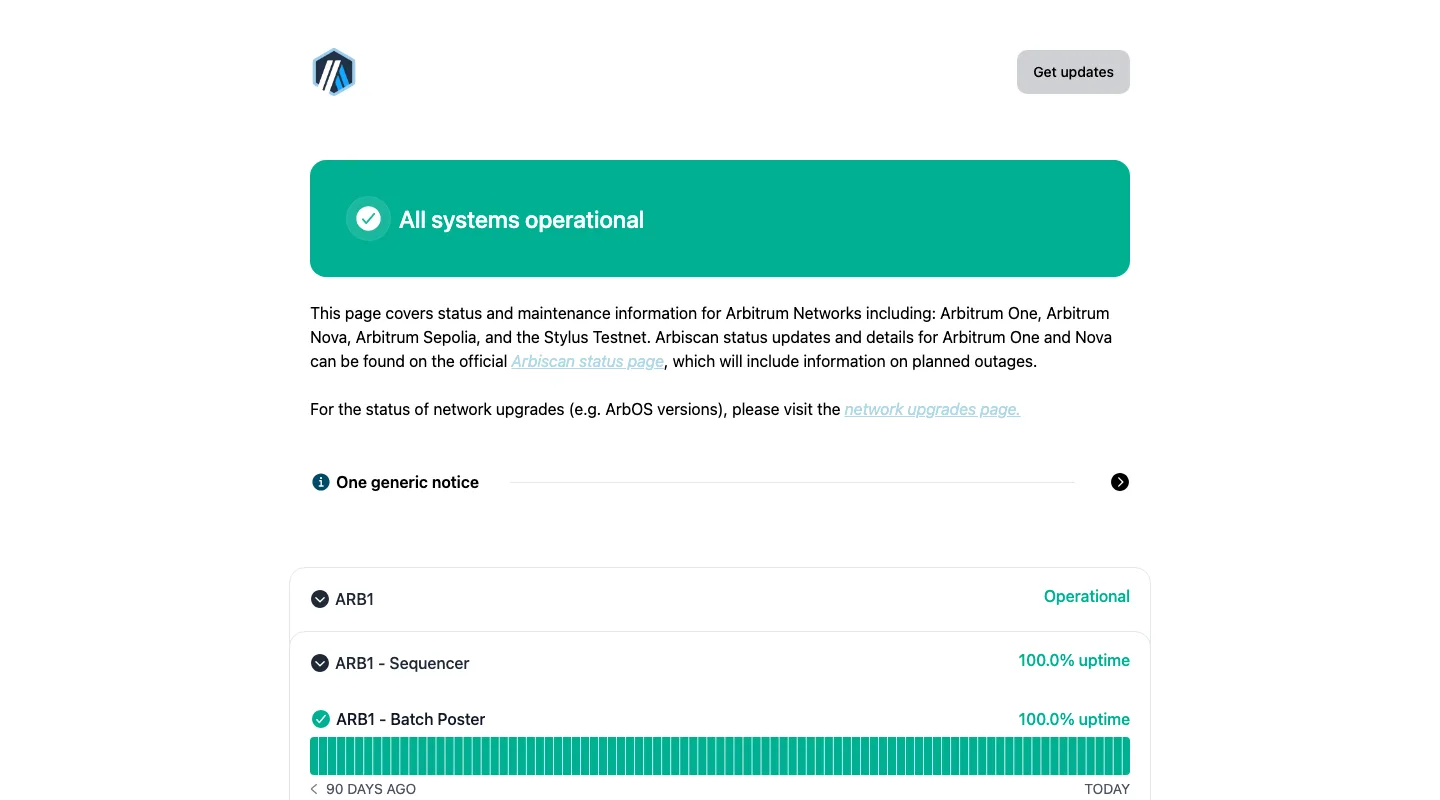
Arbitrum’s official status page. The displayed status only represents the capture time.
Beginner bridge checklist
- Reach the bridge through arbitrum.io or official documentation.
- Confirm Arbitrum One uses Chain ID 42161.
- Verify the intended token version, especially native versus bridged USDC.
- Start with a small amount and keep enough ETH for fees on the relevant chains.
- Save the transaction hash and review it in an official explorer.
- Before withdrawing, decide whether the official seven-day path or a third-party liquidity bridge matches your risk tolerance.
- Do not sign a token approval from an airdrop, support message, or look-alike bridge domain.
Arbitrum vs Base
Both belong to the broader Ethereum scaling ecosystem, but they have different applications, bridges, liquidity, and technical stacks. For a user, the practical question is not which chain wins a slogan comparison. It is where the target app is deployed, whether the intended asset has sufficient liquidity, and whether the exit route is understood.
Related: Base explained.
Sources and review method
This guide reviewed official documentation and the public status page. We did not connect a wallet or bridge assets. Last verified: 2026-07-18T00:34:00+08:00. Bridging, token versions, and wrong-network transfers can result in irreversible loss.
Keep reading
USDT on TRC20 or ERC20? Networks, Fees and Checks Before You Send
TRC20 and ERC20 are USDT on TRON and Ethereum. Addresses, fees and checks differ. Based on Tether, TRON and Ethereum docs: how to choose and what to check.

What Is Address Poisoning? Zero-Value Transfer Scams and How to Avoid Them
Address poisoning slips a look-alike address into your history with a zero-value transfer. How it works and how to avoid it, per MetaMask and Etherscan.
How to compare Web3 projects by purpose
Compare Web3 projects by purpose, costs, permissions and exit rules. Learn how networks, swap protocols and wallets differ, with a practical Base example.
Why estimated and final gas fees can differ
Distinguish an estimate, a fee cap, and actual usage when reading wallet prompts and transaction receipts.
Why an address must be checked with its network
Why does one wallet address show different balances on different networks? Check transfer networks, receiving addresses and token contracts.
Gas Too Expensive? Five Things That Actually Work (and Three That Don't)
How do you cut gas costs? Five methods that work — Layer 2, off-peak timing, batching, correct gas settings, fewer transactions — plus three that don't.