
FAQ
Why Can’t I See My Tokens in a Wallet or DApp?
If a wallet or DApp does not show a token, it does not always mean the asset is gone. Common causes include the wrong network, pending transactions, token detection limits, unsuppo
Many beginners search for “tokens not showing in wallet or dapp” only after something feels confusing in a wallet or DApp. This guide starts with a plain answer, then walks through a realistic scenario, practical checks, and common mistakes.
It is not financial advice, legal advice, or a security audit. Treat it as a beginner checklist that helps you slow down before you connect a wallet, sign a message, grant approval, bridge funds, or submit a transaction.
Plain Answer
If a wallet or DApp does not show a token, it does not always mean the asset is gone. Common causes include the wrong network, pending transactions, token detection limits, unsupported assets, or connecting the wrong address.
The Part Beginners Usually Miss
When a token is not visible, do not immediately assume it is lost. The same address can hold different assets on different networks, and tokens with similar names may exist on multiple chains. Wallets and DApps display what their front end can read; the asset record itself lives on-chain. Check the transaction hash first, then network, address, and token contract support.
Why This Matters
Beginners often expect every DApp to read every asset automatically. In reality, the app needs the correct address, the correct network, and support for the asset or token contract.
Web3 puts several different actions inside one wallet interface. Connecting, signing, approving, sending, switching networks, and importing tokens may all happen through similar-looking popups. The user experience can make them feel like one flow, but the consequences are very different.
A beginner-friendly habit is to name the action before confirming it. Are you only letting a site read your public address? Are you signing a message? Are you allowing a smart contract to spend a token? Are you broadcasting a transaction that changes on-chain state?
A Common Scenario
You receive a token and see it in one place, but another DApp shows a zero balance. Before sending funds again, check the transaction status, network, address, and token contract.
In that moment, the safest move is not to rush. Check the project source, the domain, the network, the connected address, and the exact wallet request. If the page uses urgency, surprise rewards, or support-style pressure, slow down even more.
A Simple Decision Rule
If a token display looks wrong, check the chain record before sending again.
Beginner Checklist
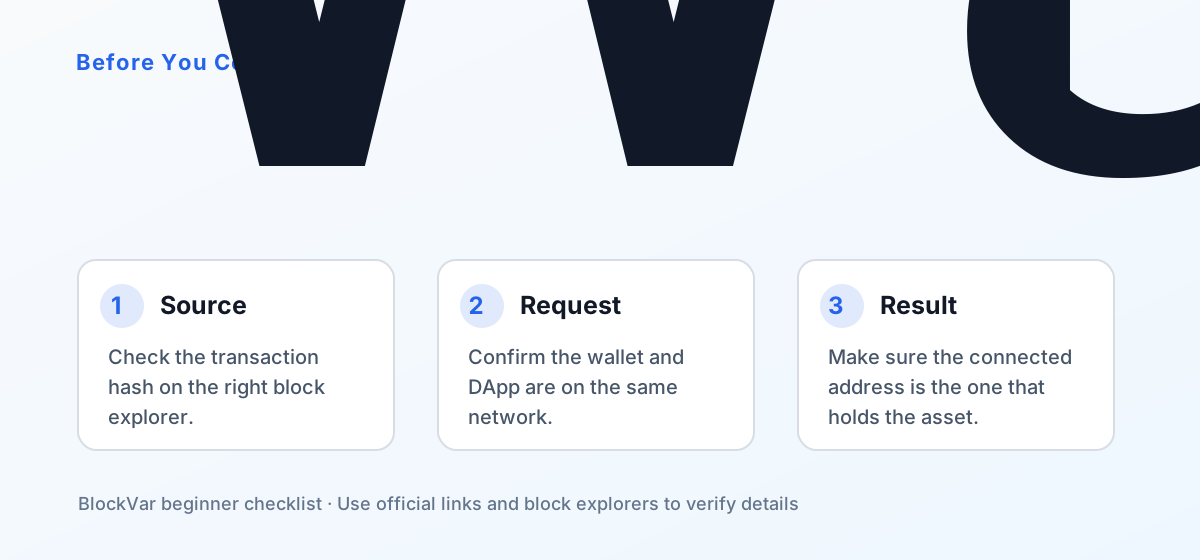
- Check the transaction hash on the right block explorer.
- Confirm the wallet and DApp are on the same network.
- Make sure the connected address is the one that holds the asset.
- If needed, import the token contract into the wallet.
If you are learning, use a separate wallet with small amounts. Keep long-term assets away from unfamiliar sites. When a transaction or approval is involved, save the transaction hash or approval details so you can review them later.
Another useful habit is to keep evidence of what happened. Save the transaction hash after on-chain actions, note which contract received an approval, and record the source and destination network when bridging. These details are much more useful than screenshots when you need to troubleshoot later.
Common Mistakes
- Confusing assets on different networks.
- Trusting only the token logo or name.
- Sending again before checking the first transaction.
These mistakes usually come from treating a self-custodial wallet like a normal Web account. A normal Web account may have customer support, password resets, chargebacks, or account recovery. On-chain actions can be harder or impossible to reverse once confirmed.
What to Do Next
Build a repeatable routine. Start from official links. Read wallet popups. Test with small amounts. Check transactions on a block explorer. Review approvals after using new DApps. Keep recovery material offline and never type it into a website.
The goal is not to become a protocol engineer. The goal is to understand enough to avoid obvious traps and to know where the official documentation lives when you need to verify a detail.
For searchers arriving from Google, the most durable takeaway is the order of checks: source first, then network and address, then wallet action type. Interfaces change, but that sequence remains useful across wallets, DApps, bridges, and explorers.
References
- MetaMask: balance incorrect or missing token: https://support.metamask.io/manage-crypto/tokens/what-to-do-when-your-balance-of-tokens-is-incorrect/
- Ethereum.org transactions: https://ethereum.org/developers/docs/transactions/
- Etherscan: https://etherscan.io/