
FAQ
What Are Gas Fees in Web3, and Why Can Failed Transactions Still Cost Money?
A clear beginner guide to gas fees, gwei, transaction execution, network congestion, failed transactions, and ways to avoid common fee mistakes.
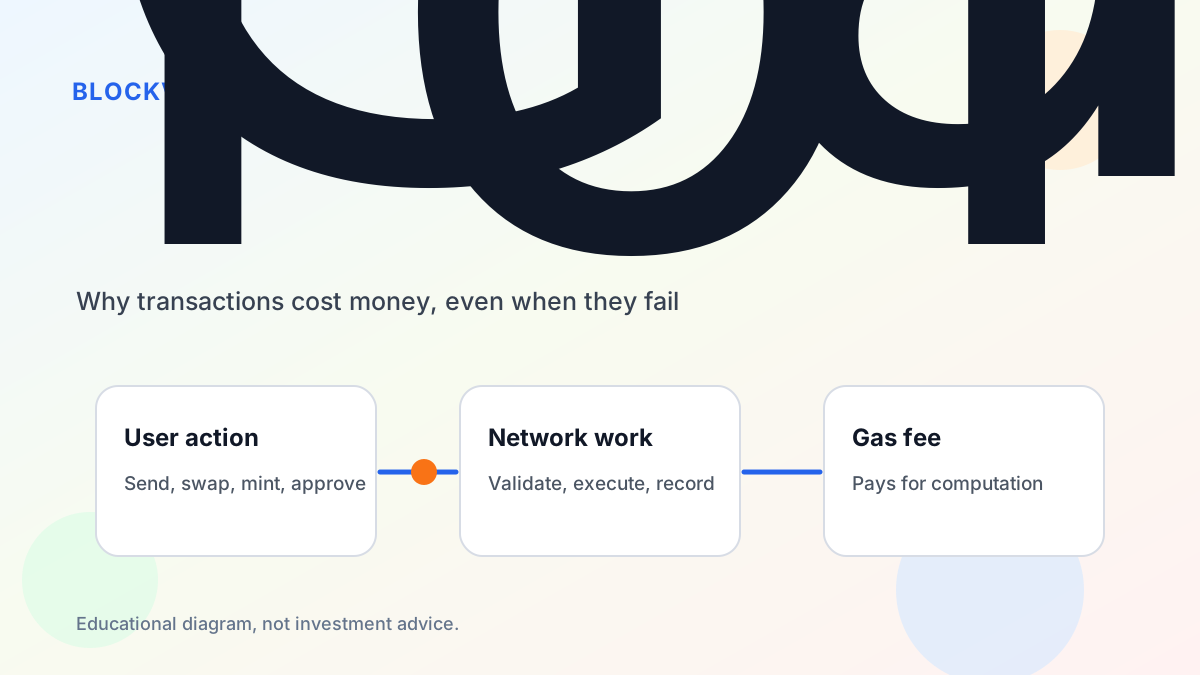
Gas fees are one of the most confusing parts of using Web3 for the first time. You may try to send a token, swap on a decentralized exchange, mint an NFT, or revoke an approval, and the wallet asks you to pay an extra fee. Sometimes a transaction even fails, yet a fee is still spent.
The key idea is that blockchains charge for computation and network resources. When a transaction is processed, validators and nodes do work: they check signatures, execute smart contract logic, and record the result. Gas is the unit used to measure that work on Ethereum-style networks.
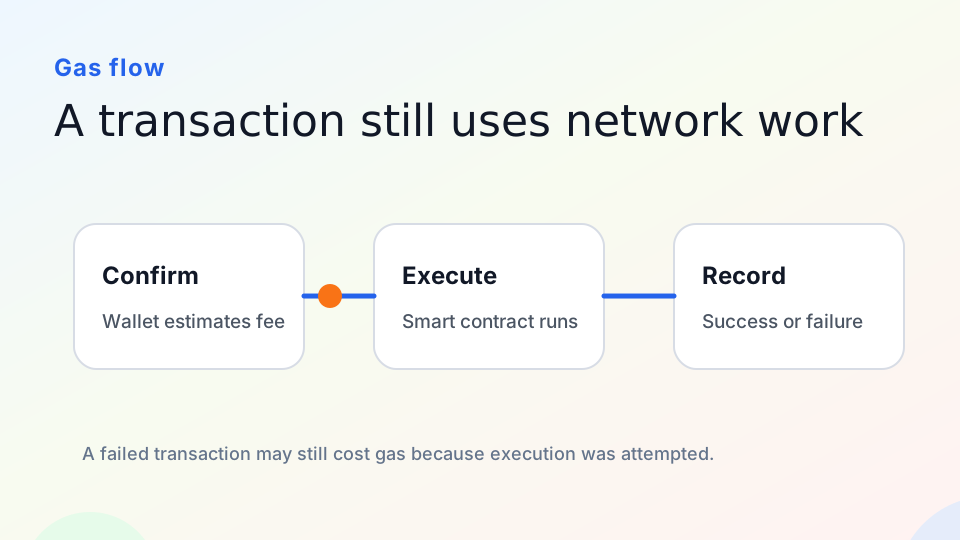
Educational diagram: a transaction can consume gas because network execution was attempted.
What Gas Pays For
A blockchain is not a free database run by a single company. Every transaction must be validated and included in the shared record. Without a cost, malicious users could spam the network with endless requests.
Different actions require different amounts of work. A simple transfer is usually cheaper than a complex contract interaction. A swap, bridge, mint, or liquidity operation can involve several smart contract calls, so it may cost more.
Gas fees also change with network demand. When many users want transactions included quickly, fees can rise. This is why the same action may be cheap at one time and expensive later.
Gas, Gwei, and Fee Estimates
Wallets often show gas in user-friendly terms, but underneath there are multiple pieces. Gwei is a small unit of ETH commonly used for gas pricing. Wallets estimate the fee based on the transaction and current network conditions.
Beginners do not need to memorize every formula, but they should understand that an estimate is not a safety guarantee. A high fee does not mean a contract is safe. A low fee does not mean the website is trustworthy.
If a wallet shows a fee that feels unusually high, pause. Check the network, the action type, the asset, and the website. A surprising fee can be a sign that you are doing more than you think.
Why Failed Transactions Can Still Cost Gas
A failed transaction may still consume gas because the network already did work trying to execute it. For example, a swap can fail if the price moves beyond your slippage setting. A contract call can fail if a condition is not met. The failed result is still written on-chain, and the attempted execution used resources.
This feels frustrating, but it is part of the design. The network cannot offer unlimited free attempts, because that would make spam easier and shift costs to others.
How Beginners Can Reduce Mistakes
First, use small test amounts when interacting with a new app or network. Second, confirm you are on the correct network before signing. Third, read the wallet popup carefully: a token approval, a transfer, and a message signature are not the same action.
For swaps, check slippage and price impact. For contract interactions, use official links and avoid rushing because of countdown timers or “last chance” messages. For approvals or revokes, remember that changing on-chain permissions can also require gas.
What Gas Does Not Tell You
Gas does not prove that a project is legitimate. Scams can use normal gas fees. Legitimate apps can also be expensive during network congestion. Treat gas as the cost of execution, not as a trust signal.
A Simple Example
Suppose you try to swap a token on a decentralized exchange. Your wallet estimates the gas fee, you confirm, and the network starts processing the transaction. If the token price moves too much before the trade executes, the smart contract may reject the swap because your slippage setting is no longer satisfied.
From the user’s perspective, the action failed. From the network’s perspective, validators still verified the transaction, executed part of the contract logic, and recorded the failed result. That work is why gas can still be spent.
This is different from a failed payment on a traditional website, where a company may simply decline the action before charging anything. On-chain execution is closer to asking a distributed computer network to run instructions. If instructions were run, some cost may remain.
How to Read a Wallet Fee Prompt
When a wallet shows a gas estimate, check the network first. Are you on Ethereum mainnet, Base, Arbitrum, Polygon, or another chain? The native asset used for fees depends on the network. Next, check the action. A transfer, approval, swap, bridge, and contract interaction may all display differently.
If the fee is much higher than expected, do not rush. Open a gas tracker, check whether the network is congested, and ask whether the operation is more complex than it appears. High urgency messages on a website should not override careful review in the wallet.
Practical Ways to Spend Less on Mistakes
Use small test transactions when learning. Avoid interacting during obvious congestion if the action is not urgent. Keep enough native asset for gas, but do not keep large funds in a wallet used for experiments. When possible, use official documentation to understand whether a transaction is expected to be cheap, expensive, or repeated.
References
- Ethereum gas docs: https://ethereum.org/developers/docs/gas/
- Ethereum transactions: https://ethereum.org/developers/docs/transactions/
- EIP-1559: https://eips.ethereum.org/EIPS/eip-1559